Account verification (KYC) confirms your identity before a 1Win Nigeria withdrawal or large transaction. This guide covers every accepted document, the exact upload steps, how long review takes, and how to fix a rejected submission — so you don't lose time when you're ready to cash out.
KYC (Know Your Customer) is a standard compliance requirement under 1Win's Curacao license 8048/JAZ 2018-040 — not something unique to Nigerian accounts.
Most accounts are asked to verify identity the first time they request a payout, to confirm the funds go to the account owner.
Bigger deposits or withdrawals can trigger an additional identity and source-of-funds check.
Licensed operators are legally required to verify players to prevent fraud and money laundering.
Have a clear digital copy ready before you start — this is the step that causes the most delays.
| Document Type | Accepted Options |
|---|---|
| Proof of Identity | NIN slip, international passport, driver's license or voter's card — must be valid (not expired) and show your full name and photo |
| Proof of Address | Recent utility bill or bank statement (usually only requested for large withdrawals) |
| Selfie Verification | A live photo holding your ID, requested in some cases to confirm you are the document holder |
| Payment Method Proof | Screenshot of the deposit method (e.g. Opay/bank account) if asked to confirm ownership |
| Standard KYC (ID only) | Usually reviewed within 24-72 hours |
| Large withdrawal / source-of-funds check | Up to 5 business days |
| Rejected document | You can resubmit immediately — no waiting period |
| Verification badge in profile | Appears once approved; withdrawal limits are lifted automatically |
Retake the photo in good lighting on a flat surface. Make sure all four corners of the document are visible in the frame.
1Win only accepts currently valid IDs. Check the expiry date before uploading and use an alternative document if needed.
The name on your ID must match the name on your 1Win registration exactly. Contact support to correct your profile details if they differ.
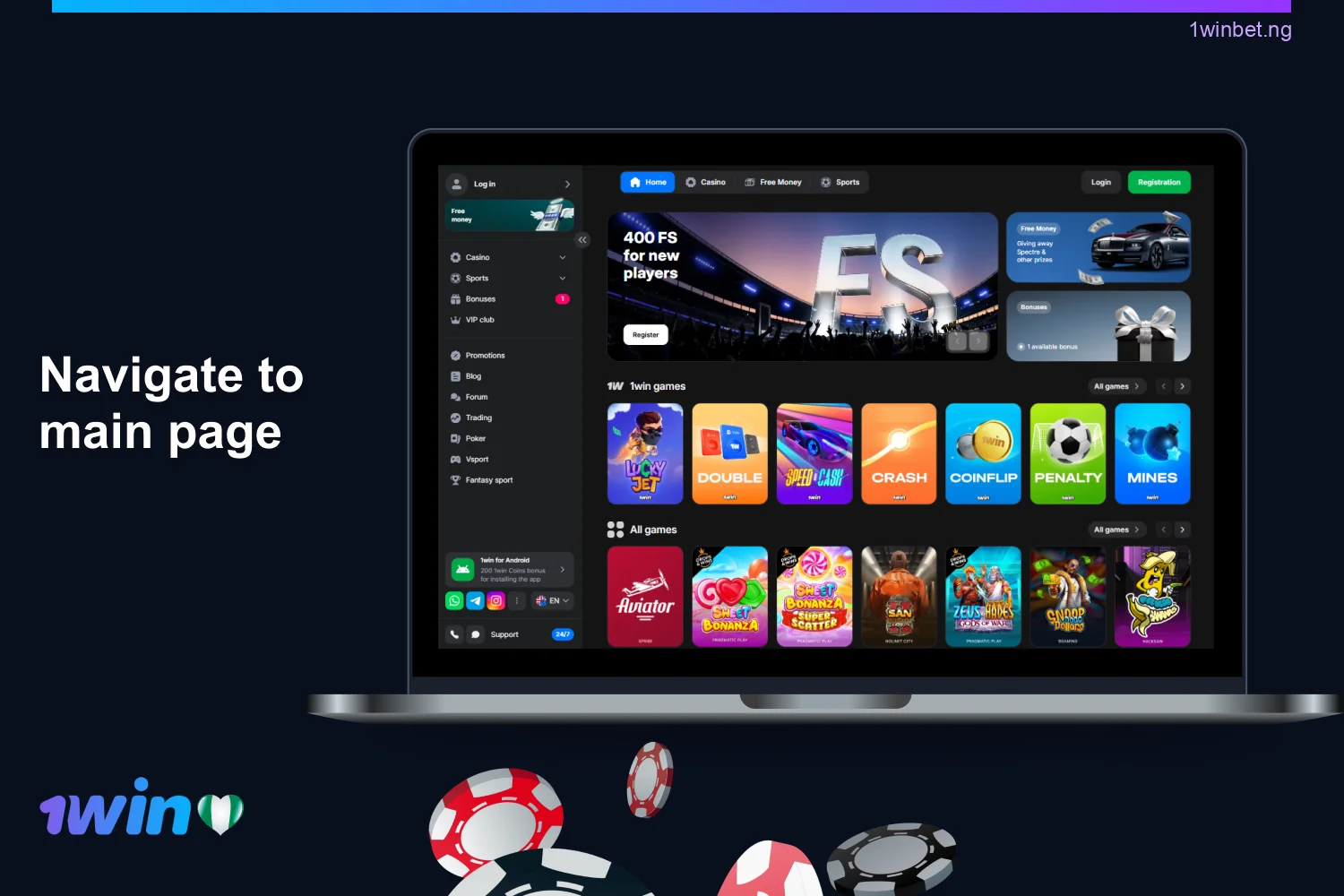
Continue setting up your account.